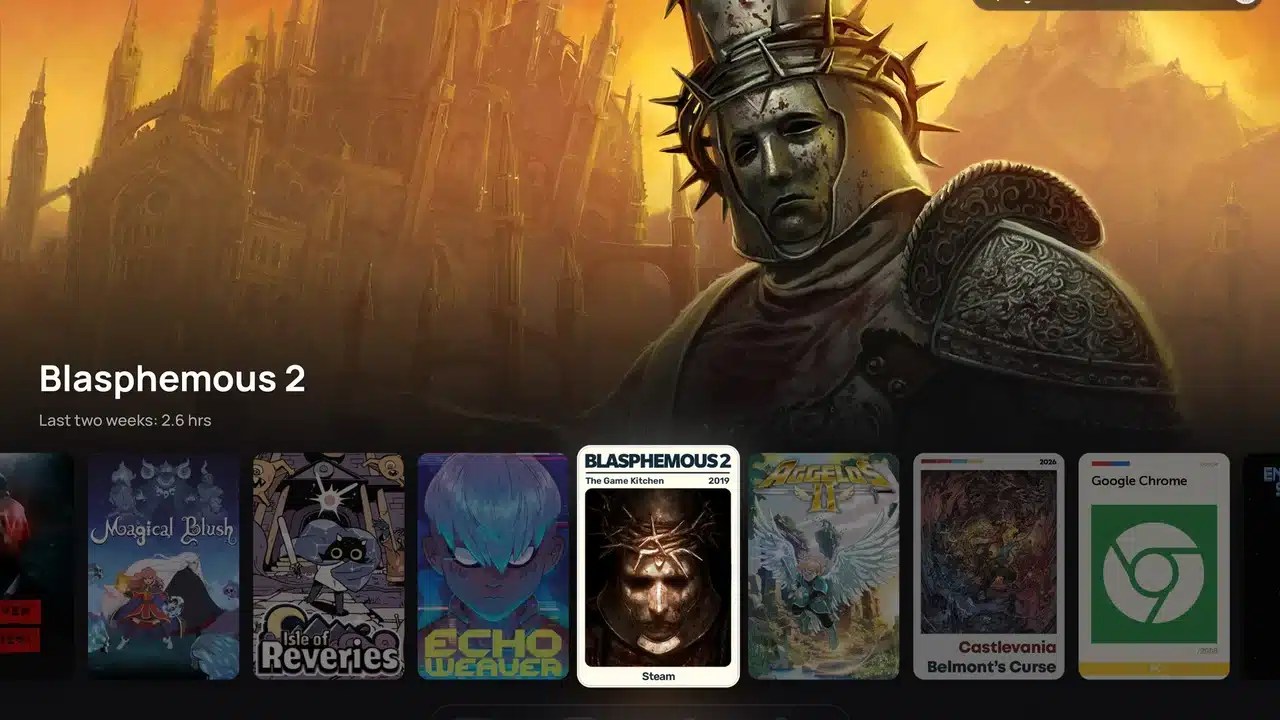
Float is a new CSS Loader theme for the Steam Deck that gives gaming mode a cleaner, more minimal look. The idea is to keep the interface out of the way of your games’ artwork. Menus sit on small frosted pills and cards that seem to float over the art, whatever you have selected turns white, and everything else stays quiet in the background.
The theme was shared on r/SteamDeck by its creator, u/andrefgneves_, in a post called “Float: a minimal theme for the Steam Deck (CSS Loader)“. It’s listed on DeckThemes as version v1.0.5, credited to andrefgneves, and was added on 22 October 2026. At the time of writing it has over 400 downloads. I’m going by the post, the listing and its screenshots here, as I haven’t installed it myself.

What the Float CSS Loader theme changes
According to its creator, Float covers most of gaming mode, including:
- The home screen and library
- Game pages
- The Quick Access menu and the Steam menu
- Settings and other menus
- The on-screen keyboard
- The overlays you see while in a game
The listing describes it as “minimal, art-first”, and it uses the Manrope typeface. The controller button glyphs are Steam’s own, recoloured to match.
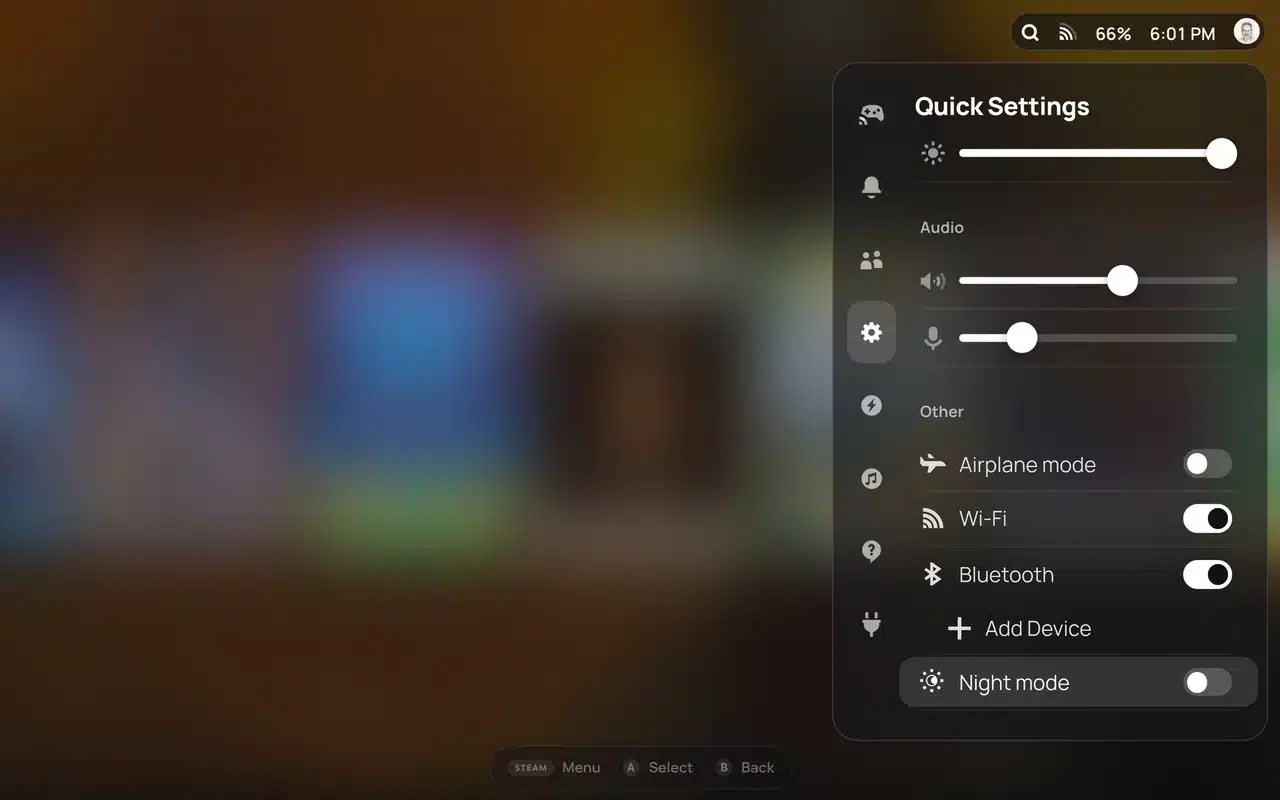
Float CSS Loader theme options
- Home layout: choose between Banner and Shelf.
- Shelf blur: sets how much the Shelf layout blurs the game art behind the row.
- Keyboard: turn this off if you want to keep Steam’s own on-screen keyboard.
How to install Float
- Install Decky Loader and the CSS Loader plugin if you don’t already have them.
- Open CSS Loader and go to its theme store.
- Search for “Float” and install it.
There’s an optional extra too. If you use the SteamGridDB plugin, turning on its “Matching Recents Capsule” setting makes the first game on the home row a portrait cover like the rest, instead of Steam’s wide one. The creator says this is purely down to taste and Float looks fine either way.
Early bugs and requests
The reaction in the thread was mostly positive, but a few early issues came up:
- u/sammosna found that opening a game page, then going back home and moving to another game, makes the titles overlap. The creator replied that they’ll work on a fix soon.
- u/Phase-Goonect said the battery icon goes missing with Float enabled.
- u/Over-Distribution158 said it conflicts quite a bit with the GameGlance plugin and asked for a toggle to turn off the game page changes.
- u/mandiller and u/ApprehensiveYam3875 asked for an option to show the friends and What’s New sections at the bottom of the home screen.
There was also some wider discussion about CSS Loader itself. u/MuglokDecrepitusFx felt that full themes like this should be kept separate from smaller themes and profiles, as the store can get a bit messy.
My thoughts
Float looks like a nice option if you want a cleaner Steam Deck UI that puts your game art first. Just keep those early bugs in mind. If you like customising your Deck, my guides to Couch PiP and Decky MultiFrameGen cover a couple of other Decky plugins worth trying.


